Stop Autoplaying Social Media Videos
Tap title to read story
0:00 / 0:35
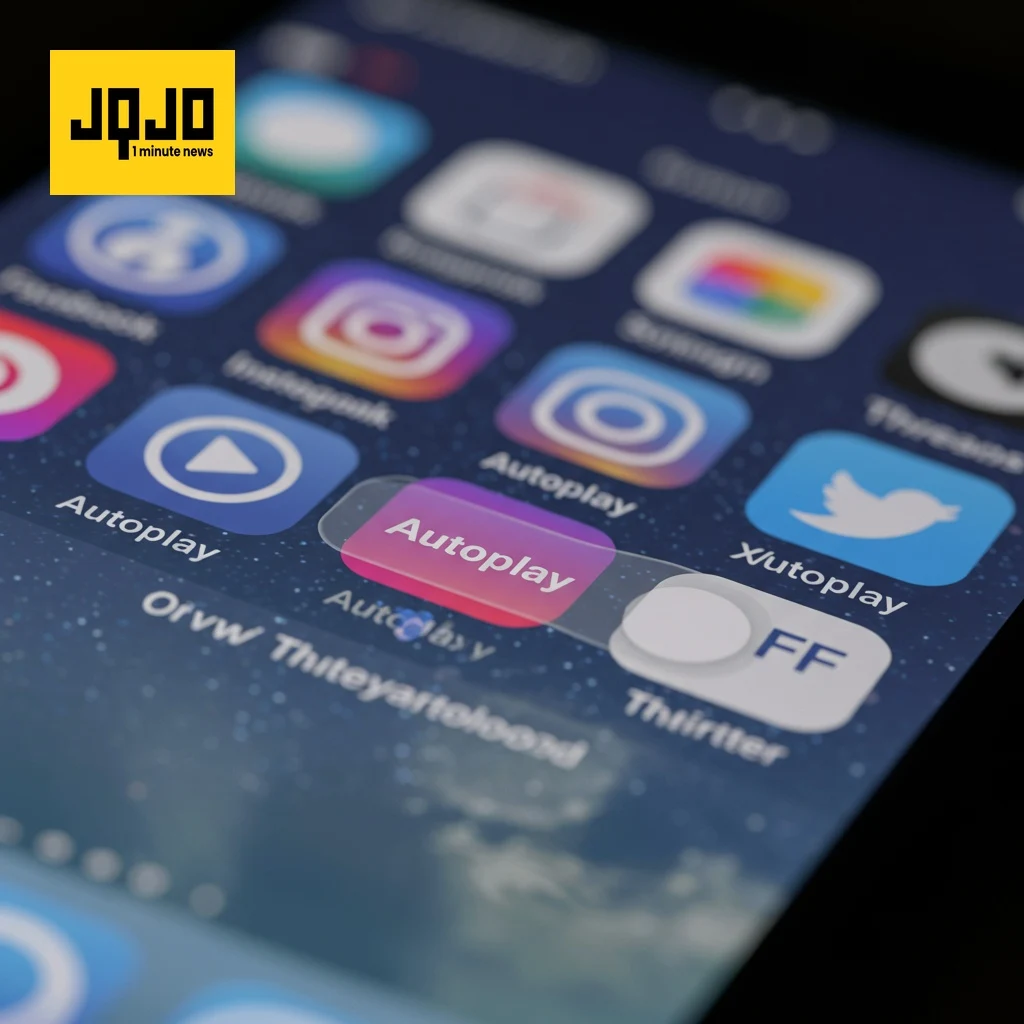
Learn how to disable autoplaying videos and GIFs on Facebook, Instagram, X (Twitter), and Bluesky. Facebook offers a direct "Never" autoplay setting in its media preferences. Instagram's "Use less cellular data" option reduces autoplay. X allows disabling video autoplay and media previews in its settings. Bluesky provides a simple toggle in its content and media settings. Threads currently lacks this feature.
Sources
JQJO Editorial Desk · Human reviewed · AI assisted. Report a correction.