iOS 26's Liquid Glass Design: Reduce Transparency Option Added
Tap title to read story
0:00 / 0:41
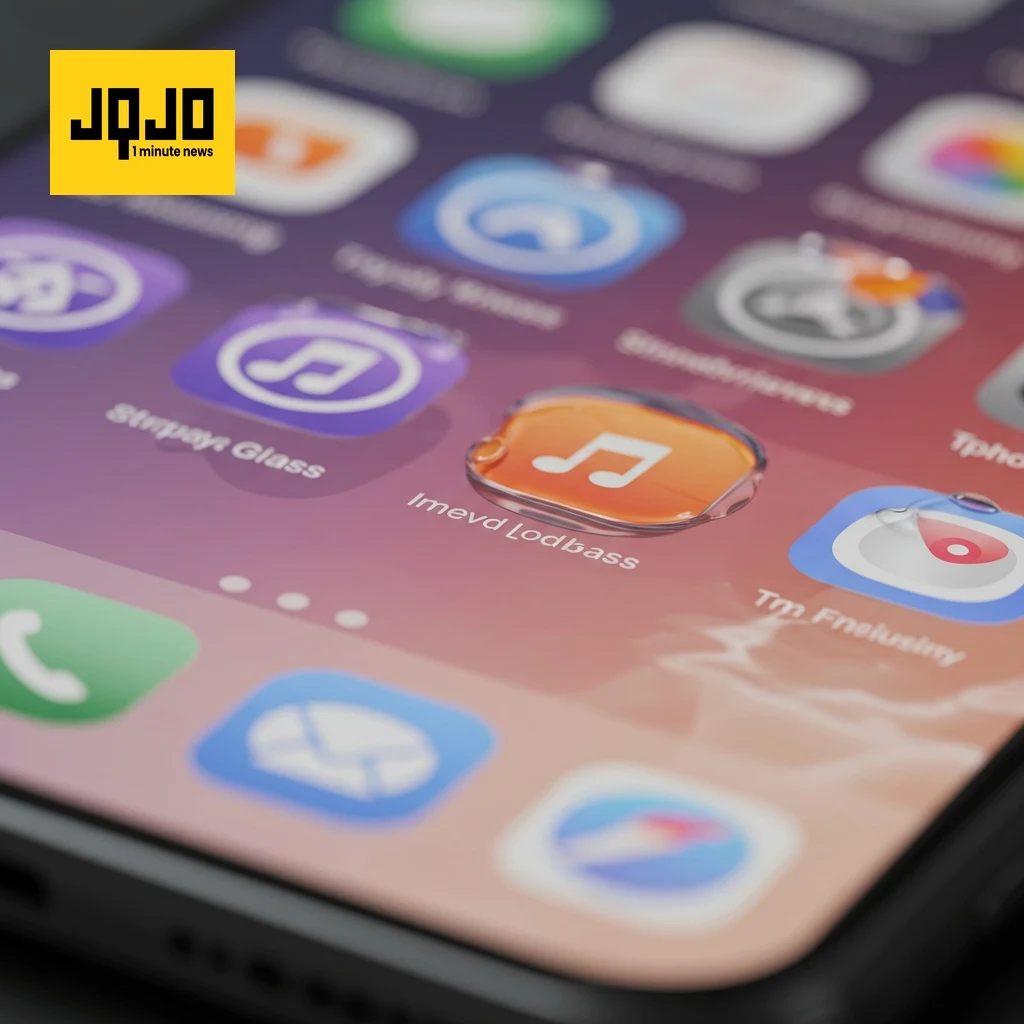
iOS 26 introduces a new 'Liquid Glass' design featuring transparency. For users finding it difficult to read, Apple offers a 'Reduce Transparency' accessibility option in Settings > Accessibility > Display & Text Size. This adds darker backgrounds to translucent elements, improving contrast. While not removing all transparency, it enhances readability. This feature can also be added to Accessibility Shortcuts for quick access. The design is still under development and may change before the public release in September.
Sources
JQJO Editorial Desk · Human reviewed · AI assisted. Report a correction.